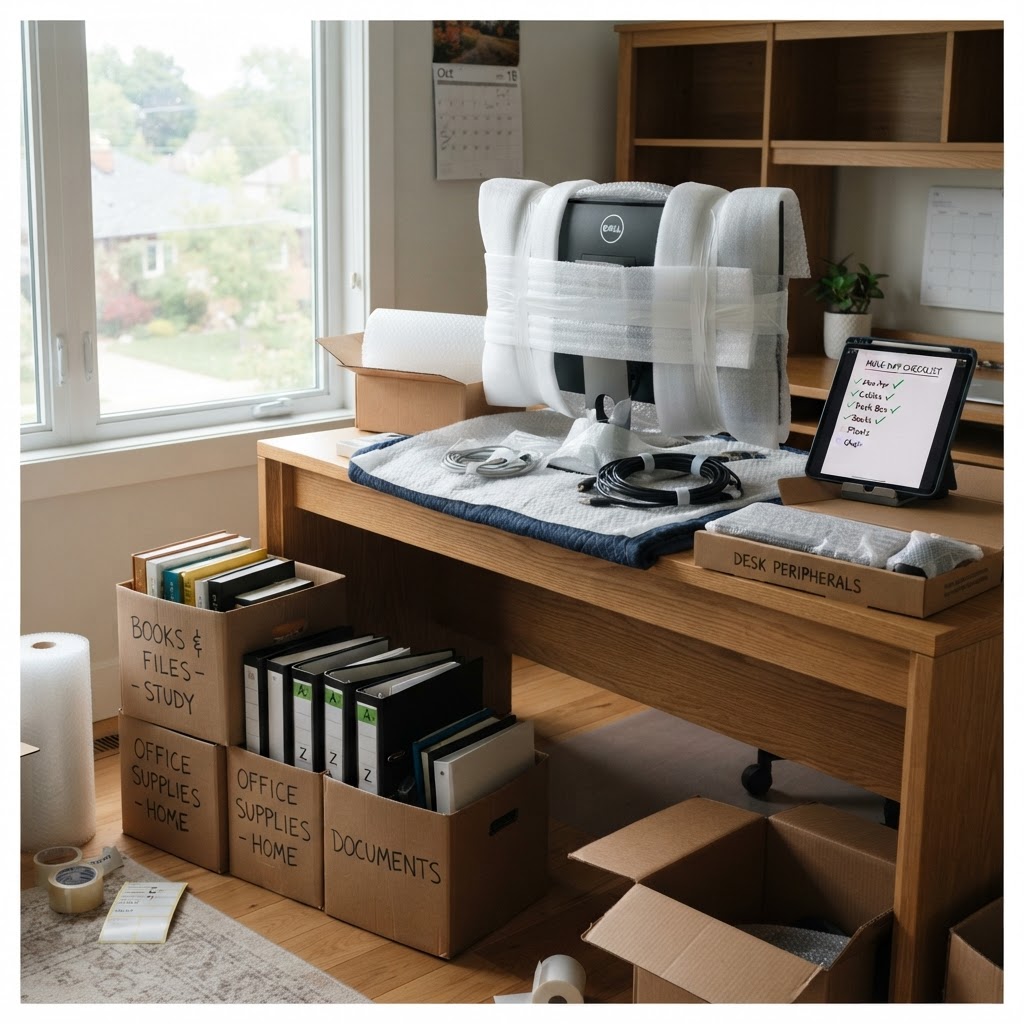
A home office looks small, but it holds the most expensive and hardest-to-replace items in the house: monitors, hard drives, docking stations, stands, and every cable you have ever owned.
Packing an office badly costs you more than a broken monitor. It costs you three days of productivity while you untangle a bag of unidentified wires. Here's how to pack it so you're working again the day you arrive.
Before You Unplug Anything
The single most valuable step is the one everyone skips. Before you pull a single cable, photograph the back of your desk. Take wide shots and close-ups of every port, dock, and power brick. Those photos will save you hours on the other end.
Then label as you unplug. Wrap a numbered strip of masking tape around each cable end and write the matching number on the device. No app, no system, no confusion later.
Cables: The Part Everyone Gets Wrong
Never pack cables loose in a bag. Coil each cable, secure it with a twist tie or velcro strap, and put it in a labeled zip bag with its number and purpose — power, monitor, ethernet, USB-C dock.
Group all cable bags into one clearly marked box that travels in your car, not the truck. Cables are the one thing you're guaranteed to need in the first hour at the new place.
Monitors, Drives and Screens
Screens are the most fragile thing in a home office. Each monitor gets its own box sized for it, padded on all sides, standing upright — never flat with weight on the panel. Original packaging is ideal; if you don't have it, we build protection around the screen with rigid cardboard and padding.
External drives travel with you in a padded case or a small box you carry. Anything with data on it doesn't ride in the back of a truck if you can avoid it.
Files, Books and Archive Boxes
Filing cabinets move best with drawers either emptied or taped shut with the contents secured inside. Loose paper goes into archive boxes with lids, labeled by category — tax records, contracts, client files.
Books are heavy, so pack them in smaller boxes than you think you need. A box of books that's too large becomes a box you can't lift safely up a stairwell.
Set Up a Work Corner First
At the new place, don't unpack the office last. Pick a corner, set up the desk, plug in your laptop, and get the internet running. That single corner turns a chaotic week into a normal one, and everything else can be unpacked around it.
Our crews pack your office by destination, so the box with the monitors, the box with the cables, and the box with the desk accessories all land in the same room on day one.
Frequently Asked Questions
Moving a workspace? Book your packing service and we'll handle the equipment while you keep working.
Found this helpful?
Back to Blog